PEO software is the portal you use once a professional employer organization (PEO) becomes the co-employer of your staff. The PEO runs payroll, benefits, workers' comp and compliance filings under its own accounts, and you manage people through its platform. This page compares six PEOs on what a People Ops team feels first: what it costs, who handles a new hire's paperwork, and what still lands on your desk.
Prices and features come from vendor pages and help centers read on November 4 and 5, 2026. Only Justworks publishes PEO prices. For the other five we say "quote only" instead of repeating a third party's estimate. Insperity and TriNet do not publish pricing or terms online, so their entries rest on G2 and third-party summaries and say so. Ratings come from G2. We didn't run hands-on trials, so every entry describes documented features, not our own testing.
- PEOs compared
- 6
- publishes a PEO price
- 1
- monthly plan fee, 50 staff, Justworks PEO Basic
- $3,950
- G2 reviews behind the ratings
- 21,000+
Best PEO Software by Situation
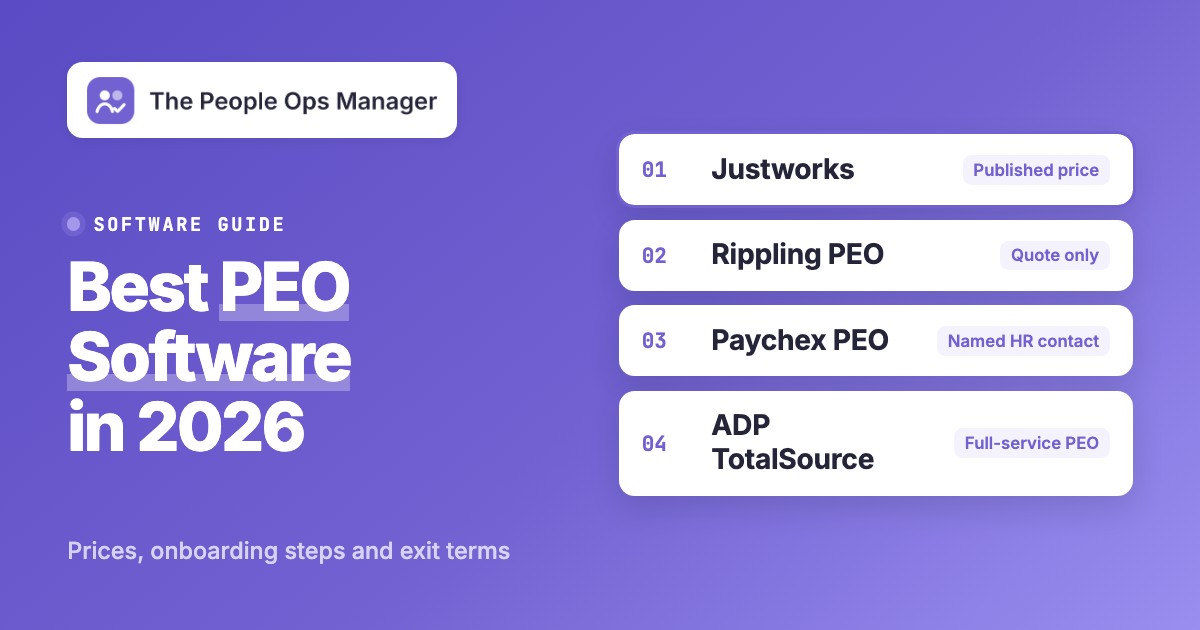
 Best for a published priceJustworksThe only one of the six that lists PEO prices, so you can budget before a sales call.
 Best if IT onboarding matters tooRippling PEOPEO services sit inside a platform that also provisions apps and devices.
 Best for a named HR contactPaychex PEOA client advocate at 10 or more employees and an HR business partner below that.
 Best for a big-vendor benefits menuADP TotalSourceHealth, dental, vision, voluntary benefits and a 401(k) under one contract.
 Best for a high-touch PEOInsperityOrientation, enrollment packet and I-9 run through its portal.
 Best to compare on review volumeTriNetThe most G2 reviews of the six, with HR Plus as a non-PEO route.
 Our product · for the gaps a PEO leavesThe People Ops ManagerTracks the IT, finance and manager tasks a PEO doesn't own.
PEO Software at a Glance
| Tool | Type | What it handles for a new hire | Starting price | G2 rating | What it is |
|---|---|---|---|---|---|
| Justworks | PEO and payroll | Employee self-onboarding, I-9 and benefits enrollment | PEO Basic $79 per employee per month, PEO Plus $124 | 4.6 (1,128) | Justworks is a PEO and payroll provider that publishes its PEO prices: PEO Basic at $79 and PEO Plus at $124 per employee per month, with Payroll at $8 per employee plus a $50 monthly base. |
| Rippling PEO | PEO inside an HR and IT platform | New hire flows into payroll, benefits and app access | Quote only; no price on the PEO page | 4.7 (15,058) | Rippling PEO adds PEO services (benefits, workers' comp and EPLI coverage) to Rippling's HR, payroll and IT platform, which also handles device and app provisioning. |
| Paychex PEO | PEO from a payroll provider | Onboarding through Paychex Flex, with I-9 and E-Verify as a service | Quote only; no dollar prices published | 4.1 (1,759) | Paychex PEO bundles payroll, benefits, retirement and workers' comp under a co-employment agreement, with a client advocate for companies of 10 or more employees and an HR business partner below 10. |
| ADP TotalSource | Full-service PEO | New hire onboarding, electronic I-9 and benefits enrollment | Quote only; 'Get Pricing' on the features page | 4.3 (634) | ADP TotalSource is ADP's PEO. Its features page lists new hire onboarding, electronic I-9, benefits administration, a 401(k) plan, ACA and COBRA support and workers' comp claims management, with full-service implementation. |
| Insperity | PEO | Electronic I-9, enrollment packet and benefits enrollment | Quote only; no rates published | 4.3 (488) | Insperity is a PEO that sells payroll, benefits and workers' comp under co-employment, with a new-hire flow of orientation, enrollment packet and benefits election in its portal. |
| TriNet | PEO | Digital onboarding, tax forms and benefits enrollment | Quote only; per-employee fee, no price published | 4.2 (2,262) | TriNet is a large PEO that prices per employee per month by quote; its HR Plus product, built on Zenefits, is the non-PEO option for teams that keep their own benefits program. |
| The People Ops Manager Our product | Onboarding coordination | Shows who is ready for day one, what is blocked and who owns it | Subscription via Stripe Checkout, card required | No reviews yet | The People Ops Manager coordinates onboarding and offboarding across HR, IT, finance and hiring managers, and shows who is ready for day one, what is blocked and what still needs approval. |
Prices checked on November 5, 2026. Quote only means the vendor publishes no price.
What Is PEO Software?
PEO software is the employee and employer portal of a PEO, a company that becomes your co-employer for payroll, benefits and compliance. The IRS describes a PEO as an organization that takes on some or all of its client's federal employment tax withholding, reporting and payment duties for the workers who perform services for that client. You keep hiring, firing, pay decisions and day-to-day management. The PEO takes the filings, the benefits plans and the workers' comp policy under its own accounts.
The phrase has a second meaning. Products such as PrismHR are the back-office systems a PEO itself runs on. Those are bought by PEOs, not by employers, and they aren't in this comparison. If you came here to pick a PEO for your own company, the six below are your choices.
A PEO isn't an employer of record (EOR). An EOR employs a worker on your behalf in a country where you have no entity, usually one person at a time. A PEO co-employs your existing US staff while you keep your own legal entity. For the EOR side, see our Deel pricing guide.
How Does PEO Software Work?
PEO software works as a shared system between you and the PEO: you add an employee, the PEO's platform collects their paperwork and runs payroll, benefits and filings under the PEO's accounts, and you keep managing the person day to day. The steps below match the vendor onboarding guides we could read, including the Justworks guide.
Sign the PEO agreement
You and the PEO agree who handles payroll, benefits, workers' comp and filings. Ask for the contract length and exit terms in this step.
Connect payroll and pay
In Justworks, the admin verifies the company bank account through Plaid or two micro-deposits, sets pay frequency and marks roles exempt or non-exempt.
Invite each hire
The new hire enters personal details, signs documents and completes their part of the I-9 in the platform. Insperity's flow adds orientation and an enrollment packet due on or before the date of hire.
Enroll in benefits
The PEO opens enrollment for its medical, dental, vision and 401(k) plans. Missing the window usually means waiting for open enrollment or a qualifying life event.
Run payroll and filings
The PEO runs payroll and files taxes under its own accounts. You approve pay runs and manage performance and pay decisions.
These six PEOs serve US employers. If you need to hire in another country, that is the EOR route covered below, not a PEO.
- A PEO co-employs your US staff and runs payroll, benefits, workers' comp and tax filings under its own accounts.
- Only Justworks publishes PEO prices ($79 or $124 per employee per month). The other five quote.
- A PEO owns the paperwork half of onboarding. IT access, equipment and manager tasks stay with you.
- Ask about contract length, exit terms and who is liable for payroll taxes before you sign.
PEO vs Payroll Software vs EOR
The cheapest way to see what a PEO adds is to put it next to the options people confuse it with. Justworks publishes all three on one pricing page, which makes the gap concrete.
| Option | Who is the employer | What it covers | Published example |
|---|---|---|---|
| Payroll software | You | Pay runs and tax filings | Justworks Payroll: $8 per employee plus $50 per month |
| PEO | You and the PEO together | Payroll, benefits, workers' comp, compliance | Justworks PEO Basic: $79 per employee per month |
| EOR | The EOR | Full employment of a worker you direct | Justworks EOR: $599 per employee per month |
For 50 employees, the Justworks plan fee alone is about $450 a month for payroll, $3,950 for PEO Basic and $6,200 for PEO Plus. That is plan fee only, before add-ons, and it says nothing about benefit premiums. The gap is the price of handing over benefits administration, workers' comp and compliance. Many teams under 50 people don't recover it in saved time, while others come out ahead through the PEO's pooled benefits rates. Ask every PEO for the all-in figure at your headcount, including premiums, before comparing. Our best payroll software guide covers the payroll-only route.
Who Owns Each Step of PEO Onboarding
A PEO takes over the forms and the enrollment. It doesn't take over the laptop, the accounts or the first-week plan. Based on the onboarding guides and feature pages of the six vendors, the split usually looks like this.
- Hiring managerConfirms start date and role, and sends the offer before day 1
- PEOInvites the new hire to enter personal details, sign documents and complete the I-9 sections the employee fills in after offer accepted
- PEOOpens benefits enrollment, with the window set by the carrier and your waiting period first days
- ITCreates accounts and ships the laptop, which the PEO doesn't do 3 days before day 1
- Employer HRCompletes the employer-side I-9 review, or confirms the PEO's enrollment administrator did within 3 business days of start
- Hiring managerRuns the first-week plan and checks in week 1
Rippling is the one entry here where, unlike the others, IT setup lives in the same platform as the PEO. For everything else, plan the IT and manager tasks separately with an onboarding checklist or an onboarding software tool. Our onboarding process guide shows the full owner split.
How We Compared the PEOs
We looked at six PEOs that appear most often on US review sites. For each we used the pricing page, a feature page, a help or onboarding guide and the G2 listing, wherever the vendor publishes them.
- Price model: published, or quote only.
- New-hire workflow: which steps the PEO runs, and which stay with you.
- Coverage: benefits, workers' comp and states, where the vendor says.
- Review themes: G2 rating and the complaint and praise tags that G2 shows.
- Skip-if: the clearest reason a buyer should look elsewhere.
None of the six publishes minimum headcount, contract length or exit terms on its public site, so we don't state them. Ask for them in writing before signing.
PEOs With a Published Price
Justworks
Justworks
Justworks is a PEO and payroll provider that publishes its PEO prices: PEO Basic at $79 and PEO Plus at $124 per employee per month, with Payroll at $8 per employee plus a $50 monthly base.
Justworks is the only PEO here that puts PEO prices on its pricing page, so a 50-person company can estimate the plan fee before talking to anyone.
PEO Basic is $79 per employee per month with no base fee, and PEO Plus is $124. Add-ons are priced separately: HR consulting at $30 per employee, time tracking at $8 and US contractors at $8, all per month.
- you want to see the PEO price before talking to sales
- you hire in small batches and want new hires to complete their own details and signatures in the platform
- you need to hold HR costs down: G2 reviewers tag it expensive
- you need an IT or device workflow: the onboarding guide covers payroll, benefits and documents, not accounts or laptops
- Users like
- ease of use and a clean interface, per G2 summaries
- Users dislike
- cost, with reviewers tagging it expensive and citing high fees
- Source: G2, 1,128 reviews
How onboarding works in practice
Justworks' PEO onboarding guide has the admin verify the company bank account through Plaid or two micro-deposits, set employees up as exempt or non-exempt with a wizard, pick the pay frequency and invite employees to enter personal details and sign documents. Its HR-team page lists Greenhouse, JazzHR and Lever as ATS integrations, so an accepted offer can start the flow.
Justworks says it handles Form I-9 during onboarding. It doesn't describe accounts or equipment, so IT stays outside.
- Starting price
- PEO Basic $79 per employee per month, PEO Plus $124
- Plans
- Payroll, PEO Basic, PEO Plus
- Add-ons
- HR consulting $30, time tracking $8, US contractors $8, international contractors $39 per month
- ATS integrations
- Greenhouse, JazzHR and Lever
PEOs That Quote Only
All five below publish no PEO price. Third-party estimates exist, but they disagree. Some say per employee per month, others a percentage of payroll, and the ranges are too wide to budget from. Ask for the fee model in writing, and ask whether benefit premiums are inside or on top.
Rippling PEO
Rippling PEO
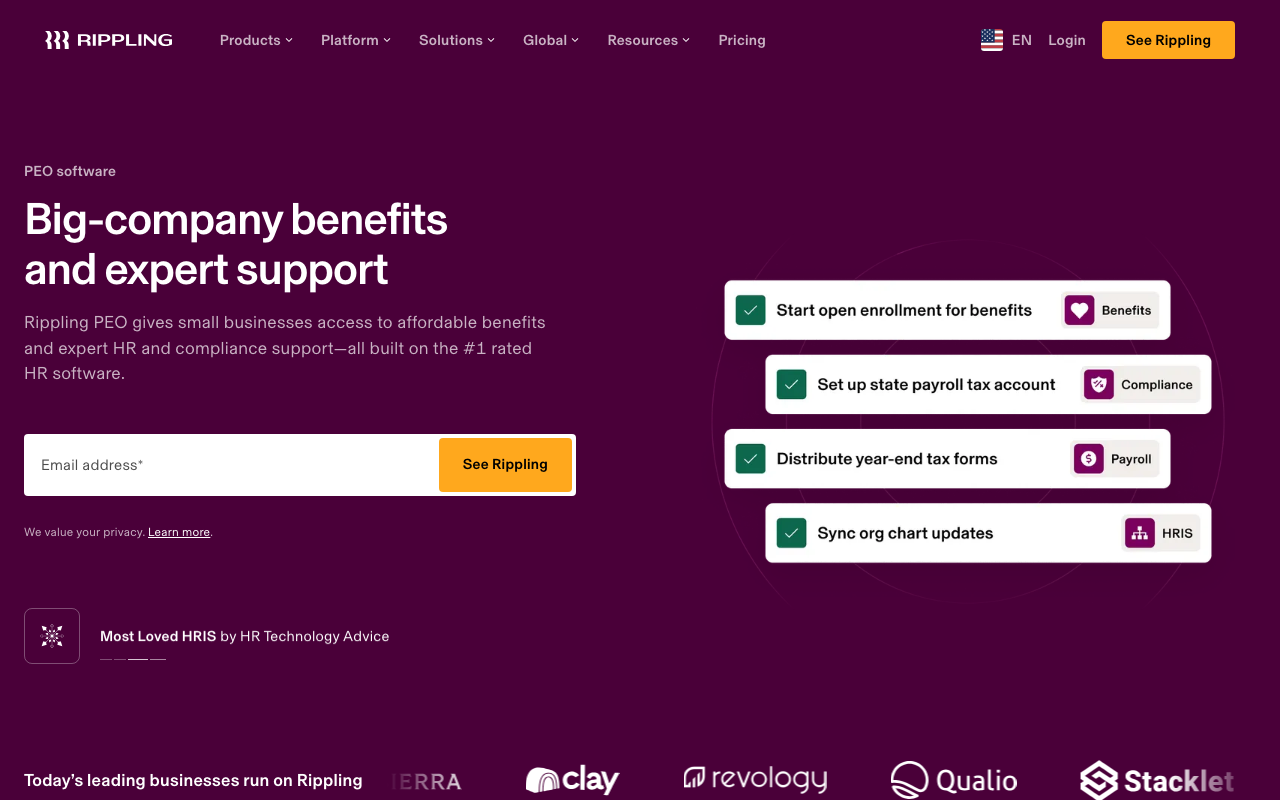
Rippling PEO adds PEO services (benefits, workers' comp and EPLI coverage) to Rippling's HR, payroll and IT platform, which also handles device and app provisioning.
Rippling is the pick when IT onboarding is as big a problem as payroll, because the PEO sits inside a platform that also handles app access and devices.
The PEO page lists medical, dental, vision, 401(k), HSA, FSA and commuter plans, and says it covers EPLI and workers' comp claims. It claims 650+ integrations. It gives no price, only "competitive plans and pricing". One independent review from November 2024 cited $85 per employee per month for the PEO fee, which we couldn't confirm on Rippling's site.
- you want the PEO and the IT side of onboarding (apps and devices) in one platform
- you already run Rippling for payroll or IT
- you want a published price: the PEO page gives none
- you have a labor-intensive workforce that needs deep workers' comp support: one independent review says the platform isn't built for it
- Users like
- breadth of the platform (rating covers all of Rippling, not only the PEO)
- Users dislike
- hard to reach support and pricing higher than expected, per G2 summaries
- Source: G2, 15,058 reviews
How onboarding works in practice
Rippling's page says new hires flow into payroll without re-entry and that welcome emails are automated. Its US hiring checklist lists a background check, I-9 verification, payroll and benefits setup, device and app access, offer letter and NDAs. The G2 rating of 4.7 from 15,058 reviews covers all of Rippling, not just the PEO. Reviewers' common complaints are hard-to-reach support and pricing higher than expected. See our Rippling review and Rippling pricing guides.
- Starting price
- Quote only; no price on the PEO page
- Integrations
- 650+ listed on the PEO page
- Benefits
- Medical, dental, vision, 401(k), HSA, FSA and commuter plans
- Coverage
- EPLI and workers' comp
Paychex PEO
Paychex PEO
Paychex PEO bundles payroll, benefits, retirement and workers' comp under a co-employment agreement, with a client advocate for companies of 10 or more employees and an HR business partner below 10.
Paychex is the pick when you want to know who to call: the PEO page assigns a client advocate at 10 or more employees, an HR business partner below 10 and a relationship manager at 200 or more.
Its page says workers' comp is included and managed by the PEO, and shows Aetna, MetLife, Delta Dental and Chubb as partners. The cost calculator lists all 50 states plus DC. Pricing is behind a "Request Pricing" form; the page says costs vary by company size, industry, services and headcount.
- you want a named HR contact: client advocate at 10+ employees, HR business partner under 10, relationship manager at 200+
- you want workers' comp managed by the PEO
- you want a published price or a free cost estimate without a sales call
- you want the fastest support: G2 reviewers cite long hold times (Paychex overall)
- Users like
- ease of use and payroll management, per G2 summaries
- Users dislike
- long support hold times, billing errors and fees, per G2 summaries
- Source: G2, 1,759 reviews
How onboarding works in practice
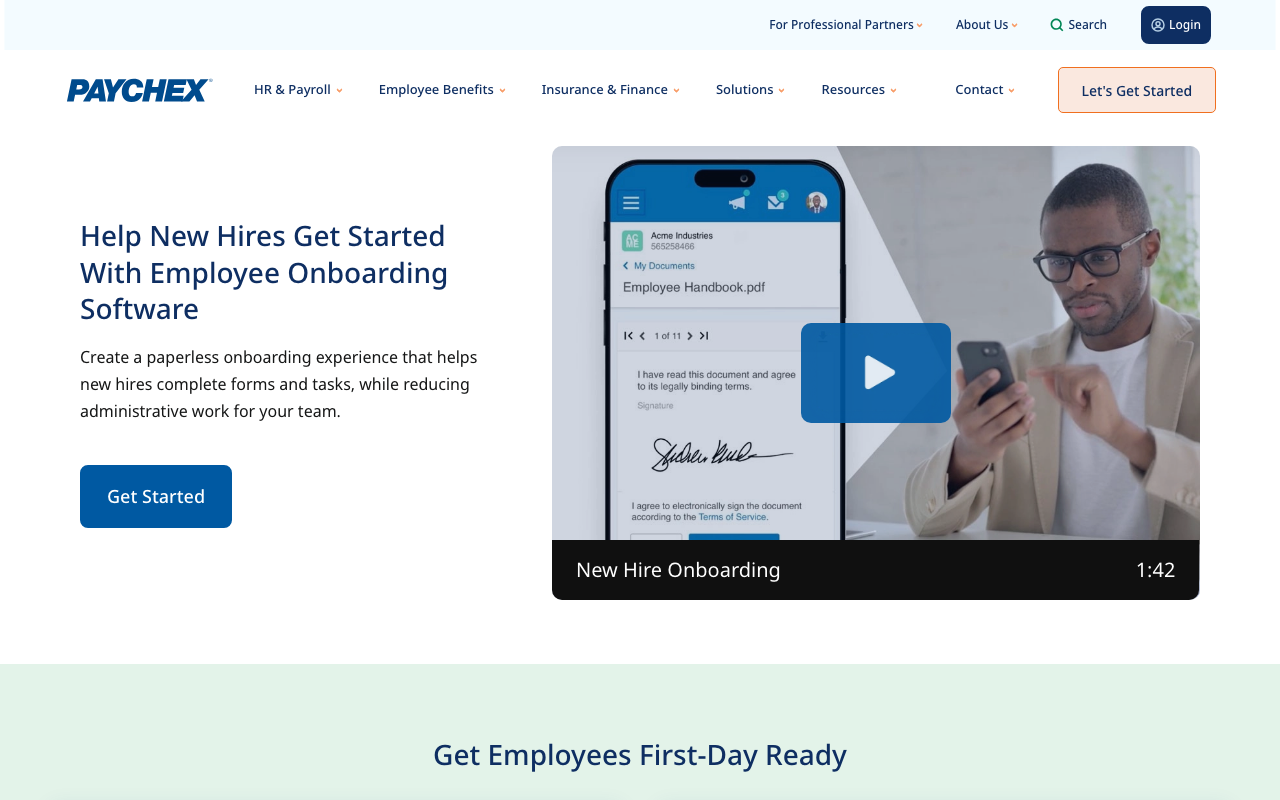
The Paychex onboarding page describes moving a candidate into Paychex Flex, choosing activities, forms and required documents, completing tasks from any device and monitoring completion. Form I-9 and E-Verify can be added as a service. That page describes Paychex Flex onboarding in general, not the PEO specifically, and the PEO page says a representative onboards you with a dedicated specialist during the transition. G2 shows 4.1 from 1,759 reviews for Paychex, with long support hold times among the complaints.
- Starting price
- Quote only; no dollar prices published
- States
- All 50 states plus DC per the cost calculator on the PEO page
- Benefit partners shown
- Aetna, MetLife, Delta Dental and Chubb
ADP TotalSource
ADP TotalSource
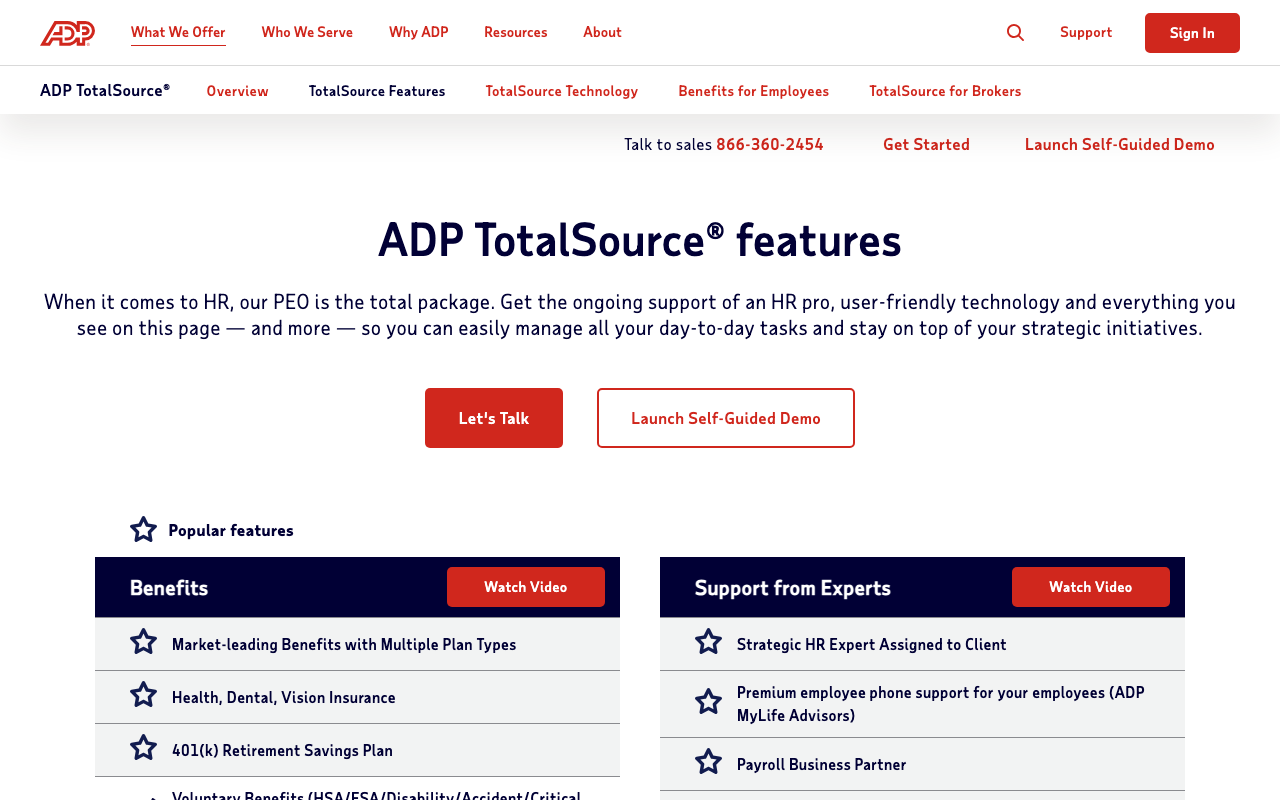
ADP TotalSource is ADP's PEO. Its features page lists new hire onboarding, electronic I-9, benefits administration, a 401(k) plan, ACA and COBRA support and workers' comp claims management, with full-service implementation.
ADP TotalSource suits a company that wants one large vendor for benefits, payroll and compliance and is happy to have ADP run the implementation.
The features page lists new hire onboarding, electronic I-9 and employment verification, benefits administration, ACA and COBRA support, a 401(k) plan and workers' comp claims management with safety evaluations. It offers third-party integrations and a custom API through ADP Marketplace. Pricing is a "Get Pricing" request.
- you want a big-vendor PEO with health, dental, vision, voluntary benefits and 401(k) under one contract
- you want a managed implementation rather than self-setup
- you want to see costs and sign up online: ADP TotalSource offers a Get Pricing request and a full-service implementation instead
- support speed matters most: G2 and Capterra reviewers cite slow support
- Users like
- support quality improving the experience, per G2 summaries
- Users dislike
- slow support and cost transparency, per G2 and Capterra summaries
- Source: G2, 634 reviews
How onboarding works in practice
ADP's benefits guide for TotalSource clients says employees enroll through the TotalSource benefits site during new-hire enrollment events and open enrollment, and plan availability depends on employer elections and carrier availability. That guide dates from 2023 to 2024, so confirm the current flow in a demo. Reviewers on G2 most often cite slow support and unclear costs.
- Starting price
- Quote only; 'Get Pricing' on the features page
- Integrations
- Third-party apps and a custom API through ADP Marketplace
Insperity
Insperity
Insperity is a PEO that sells payroll, benefits and workers' comp under co-employment, with a new-hire flow of orientation, enrollment packet and benefits election in its portal.
Insperity is the pick when you want a PEO that runs the whole new-hire packet for you and you're comfortable buying on a sales conversation.
Insperity's employee enrollment instructions describe a new hire creating a portal account, completing self-paced orientation and finishing the enrollment packet and benefits election, with the packet due on or before the date of hire. An enrollment administrator completes Section 2 of the I-9. Missing the benefits deadline means waiting for a qualifying life event or open enrollment.
- you want a PEO that runs I-9 and the enrollment packet for you
- you prefer a provider with a long-running PEO focus over a payroll or HR platform
- you need verified published terms: Insperity does not publish pricing or terms online, so this entry rests on third-party summaries and G2
- you want a published price: Insperity quotes only
- Users like
- not read in detail (no G2 review text cited)
- Users dislike
- not read in detail (no G2 review text cited)
- Source: G2, 488 reviews
What we could not verify
Insperity does not publish pricing or terms online, so this entry uses summaries of its enrollment instructions and I-9 page, plus the G2 listing. The enrollment PDF may be dated. Plan names, minimum headcount, states and carriers are not stated here because we couldn't confirm them. G2 shows 4.3 from 488 reviews.
- Starting price
- Quote only; no rates published
- New-hire flow
- Orientation, enrollment packet and benefits election in the portal (per Insperity's enrollment instructions)
TriNet
TriNet
TriNet is a large PEO that prices per employee per month by quote; its HR Plus product, built on Zenefits, is the non-PEO option for teams that keep their own benefits program.
TriNet is the PEO in this list that offers a non-PEO route: HR Plus, built on Zenefits, for teams that keep their own benefits.
TriNet doesn't publish PEO pricing and quotes a per-employee fee. Reviewers describe digital onboarding that collects tax forms, direct deposit and e-signatures, with benefits and I-9 verification. G2 shows 4.2 from 2,262 reviews.
- you want a large PEO with a non-PEO option (HR Plus) if you later want to keep your own benefits
- you need to verify details before a sales call: TriNet does not publish pricing or terms online, so this entry rests on G2 and third-party summaries
- reviewers report it expensive against earlier providers and slow issue resolution
- Users like
- responsive support and automated payroll, per reviewer summaries
- Users dislike
- expensive and slow issue resolution, per reviewer summaries
- Source: G2, 2,262 reviews
What we could not verify
TriNet does not publish pricing or terms online, so this entry rests on G2, Capterra and third-party summaries. We could not confirm E-Verify, states, carriers or minimum headcount. Reviewers' most common complaints are cost against earlier providers and slow issue resolution.
- Starting price
- Quote only; per-employee fee, no price published
- Product lines
- TriNet PEO and TriNet HR Plus
How Much Does a PEO Cost?
A PEO costs $79 or $124 per employee per month at Justworks, the only one of the six with a public fee, so any other PEO budget starts with a quote. When you request one, ask for four numbers at your headcount:
- The platform or administration fee, and whether it is per employee per month or a percentage of payroll.
- The benefit premiums, and whether they pass through at cost.
- Fees for onboarding, setup or termination, if any.
- What happens to the fee if your headcount drops.
Compare quotes on the all-in monthly total for the same headcount and the same benefits. A lower per-employee fee isn't a cheaper PEO if it hides higher premiums or a separate setup charge.
Control and Exit Terms to Check
Co-employment shifts real responsibilities. The IRS says that under a certified PEO (CPEO) contract, the CPEO is generally responsible for federal employment taxes on wages it pays to your worksite employees. Check whether your PEO is a CPEO on the IRS CPEO help page and read what the IRS says CPEO customers need to know. We could not confirm CPEO status for the six vendors from their own pages, so verify it before you sign.
Leaving a PEO can also mean restarting benefits mid-year. Leave time before open enrollment to move, and keep a copy of payroll history and I-9s. Our HR compliance guide lists the records worth keeping.
How to Choose a PEO
- You want to budget before talking to salesJustworks
- IT access and devices must start with the PEO onboardingRippling PEO
- You want a named contact at every company sizePaychex PEO
- You want one large vendor for benefits and managed implementationADP TotalSource
- You want a PEO plus a non-PEO fallbackTriNet (PEO or HR Plus)
- You want a high-touch PEO and are fine with a sales-led quoteInsperity
Where Onboarding Coordination Fits Next to a PEO
Onboarding coordination fits next to a PEO because the PEO closes the paperwork gap but won't tell you that the new hire's laptop hasn't shipped or that the manager hasn't scheduled week one.
Frequently Asked Questions
What is PEO software?
PEO software is the portal you use after a professional employer organization becomes your co-employer. It runs payroll, benefits, workers' comp and compliance filings under the PEO's accounts, and employees use it for pay stubs and benefits. It can also mean the back-office system PEOs themselves run on, which employers don't buy.
How much does a PEO cost?
A PEO costs $79 per employee per month for Justworks PEO Basic and $124 for PEO Plus, checked November 2026, and Justworks is the only one of the six that publishes a price. Insperity, ADP TotalSource, TriNet, Paychex and Rippling quote on request. Ask for the all-in monthly cost at your headcount, including benefit premiums.
What is the difference between a PEO and payroll software?
With payroll software you stay the sole employer and the software runs pay and filings. With a PEO you co-employ staff with the PEO, which also provides benefits, workers' comp and compliance support. The PEO costs more per employee, as Justworks shows: $8 for payroll against $79 for PEO Basic.
What is the difference between a PEO and an EOR?
The difference is that a PEO co-employs your existing US staff while you keep your own legal entity. An employer of record legally employs a worker on your behalf, often in another country where you have no entity.
Does a PEO handle new hire onboarding?
A PEO handles the paperwork half: personal details, tax forms, e-signatures, I-9 and benefits enrollment. IT accounts, equipment and manager tasks stay with you, except in a platform such as Rippling that also provisions apps and devices.
What is a CPEO?
A CPEO is a PEO certified by the IRS under section 7705 of the Internal Revenue Code. Under a CPEO contract the CPEO is generally responsible for federal employment taxes on wages it pays to your worksite employees. Check the IRS list before you sign.